AI portraits that still look like you.
Other AI headshots look like a stranger with your haircut. CharacterCanvas keeps your real face — upload one photo, tap a style, get a portrait people actually recognize. In seconds.
Free credits to start · Keeps your real face · Yours to download
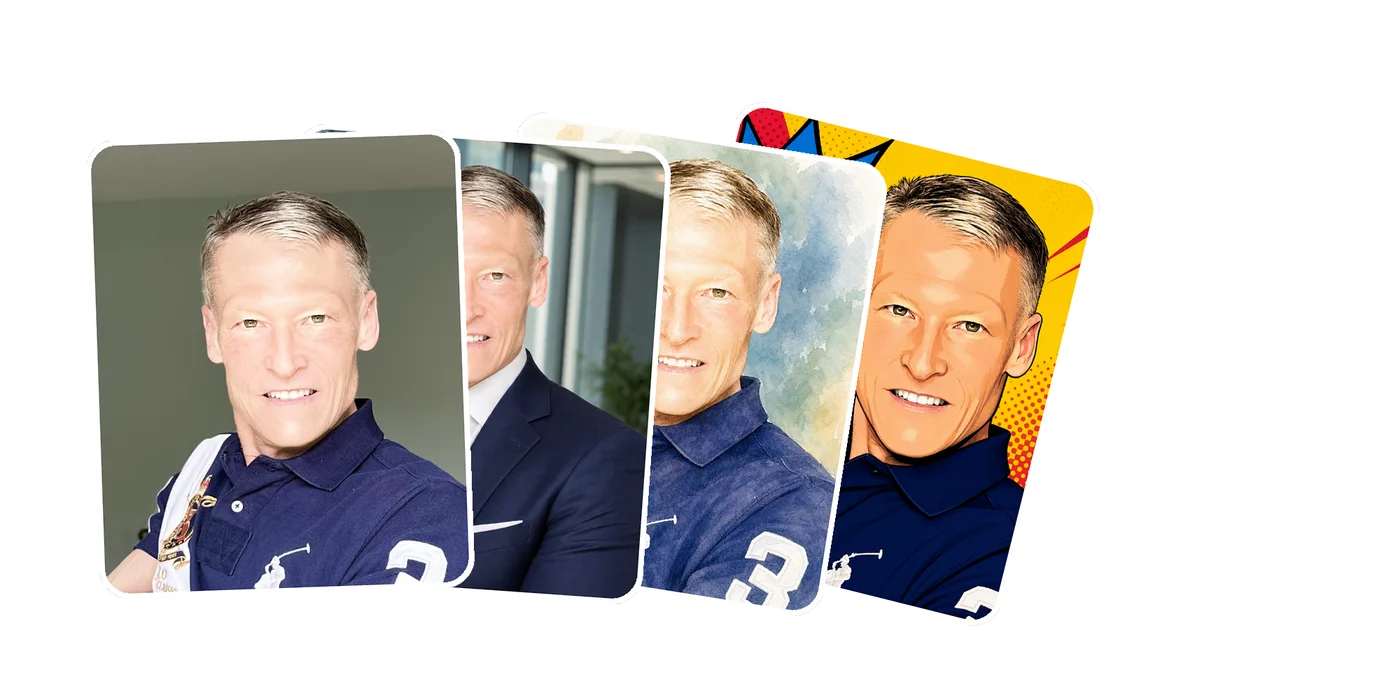
Three taps between you and your best portrait
Upload one photo
A single selfie is all it takes. No 20-photo training set, no overnight wait.
Pick a style
Tap a starter — headshot, oil painting, superhero — or describe your own in plain words.
Get a portrait that’s still you
High-res, polished, and recognizably you. Download it, keep it private, own it.
Why do AI portraits usually look almost like you?
Most tools train a generic model on 15–20 of your photos, then generate a professional who shares your hairstyle and roughly your face. The jawline drifts. The skin goes plastic. Friends say “nice photo — who is it?”
CharacterCanvas renders the transformation you ask for precisely — a new look, a new era, a full costume — while keeping your features accurate. So you can transform as far as you want, and it’s still, unmistakably, you.
Test it on your face →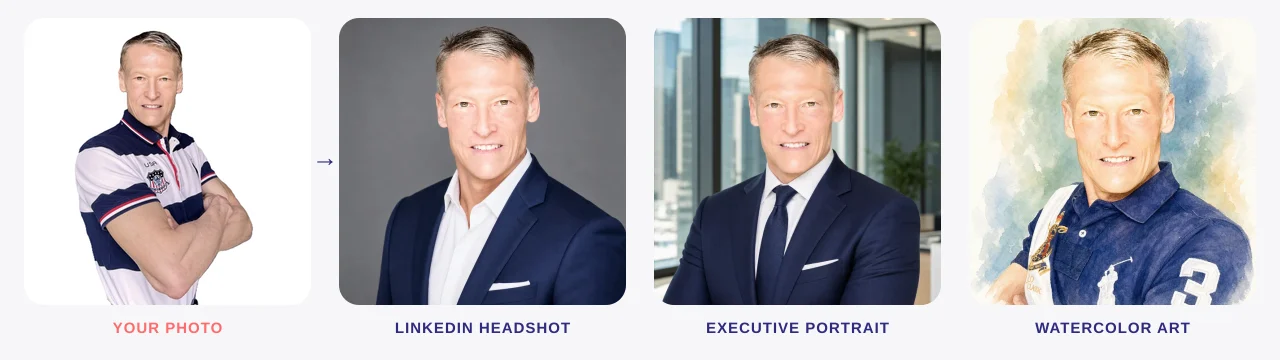
Transform as far as you want — same face, precisely.
A style for every moment
Curated starters that keep your likeness — or type your own vision.
One rule, every use: still you
For your career
A LinkedIn headshot that gets a second look — without booking a studio or a half-day off work.
For your content
Scroll-stopping characters for social that are obviously, recognizably still you.
For your business
Team portraits and product-ready shots in an afternoon, not a photoshoot budget.
Your face stays yours. So does your data.
Straight answers
Why do AI portraits usually look almost like you?+
Most tools train a generic model on 15–20 photos and generate a professional who roughly resembles you. CharacterCanvas renders the transformation you ask for with precision and keeps your facial features accurate — so it's unmistakably you, and you can change as much or as little as you like.
How much does CharacterCanvas cost?+
Credit packs start at $2 for 10 portraits. No subscription — credits never expire. Packs: $2/10, $10/50, $20/120, $50/350.
Do I need to install an app?+
No. CharacterCanvas runs entirely in the browser. Upload a photo, pick a style, download your portrait.
Can’t I just make portraits in ChatGPT or Gemini for free?+
You can — if you enjoy prompt engineering. Getting a portrait that actually looks like you takes the right source photo, a well-built prompt, and several rounds of iteration. CharacterCanvas is the other path: the prompt work is already done and tuned for likeness. One photo, one tap, done in about 60 seconds, from $2. No prompts to learn, no subscription, your photo used only to create your portrait, and you own every output.
Made for people who’d rather stay themselves.
Your best portrait is one photo away.
Create a portrait →Free credits to start · Keeps your real face